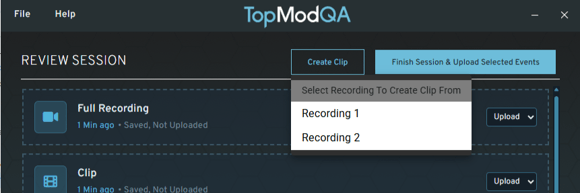
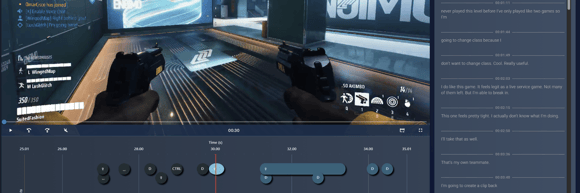
"Live UI" (otherwise known as "Widget UI") - This major feature replaces the need for the composite video by introducing live widgets to the dashboard. This means that you can see the full gameplay footage in the event page with the rest of the captured elements (performance data, webcam etc...) updating alongside the playback in the page.
For those teams still needing the composite videos for certain clients, there is now a button in the top right of the event page that opens the composite video for standalone viewing/downloading.
User Input widget - A new way of viewing the user inputs, including the full timeline of button presses across the whole event
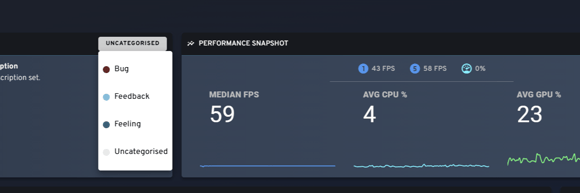
Refreshed Performance Snapshot widget